HOW TO PARTICIPATE IN A10 BY ARTMARK AUCTIONS?
Artmark Live 2.0
Discover the new online platform Artmark Live 2.0, which makes remote bidding easier, replacing the old Artmark Live 1.0 platform.
2. READ THE EXPLANATIONS
Read the user guide for the Artmark Live 2.0 platform.

3. PARTICIPATE IN THE DEMO AUCTION
Participate in the demo auction on the Artmark Live 2.0 platform. Completely safety, with no cost. Soon, you will be able to bid on the new Artmark Live 2.0 platform.
Why did we do it?
To facilitate user access from anywhere and at any time to the latest online auction platform in Romania.

To ensure a 100% confidentiality, with the help of the “end-to-end encryption” technology.
To be able to bid online, using several new options.
To have access to a faster and more user-friendly platform, regardless of the device used.

What do you need to bid?
You need an active account. It is an easy digital process and takes just 1 minute.
Step 1: access artmark.ro and press the „Sign Up” button. Fill in the personal data and use a valid e-mail address. You will receive an e-mail confirming the creation of the Artmark account.
Do not stop here! →
Step 2: to be able to place bids or participate online in Artmark auctions attach the copy of your identity card and fill in your phone number. Ultimately, you will receive an e-mail that will confirm the validation of your new account, along with your unique online bidding paddle. Now you do not need to do anything else. You will be contacted by an Artmark representative to activate your account.
What are the methods of participating in A10 by Artmark auctions?
ONLINE BID
 The Artmark Live 2.0 auction platform provides real-time video streaming of the auction and allows to place bids for any lot. You can experience auction from your home, from your laptop, phone or tablet, you can follow your passion for art, purchase securely and we will handle the rest!
Phone
 If you prefer to bid by phone, receiving support from an A10 by Artmark representative, you should fill in an online form and send it to auctions@artmark.ro, no later than one hour before the auction begins. You will be contacted before the auction starts and then we will bid together for the desired lots!
WRITTEN BID
 If you cannot participate in the evening of the auction, online or by phone, you can leave a written bid with us for the lots of interest (the maximum bid you can place), by filling in a form and send it to auctions@artmark.ro, including during the auction, for the future lots, which have not come in line yet.
ONLINE LIVE BID
 If you are not available on the evening of the auction, neither physically nor online, you may place bids (the maximum bid you offer) for the desired lots, through your A10 account.
How does the Artmark Live 2.0 platform work?
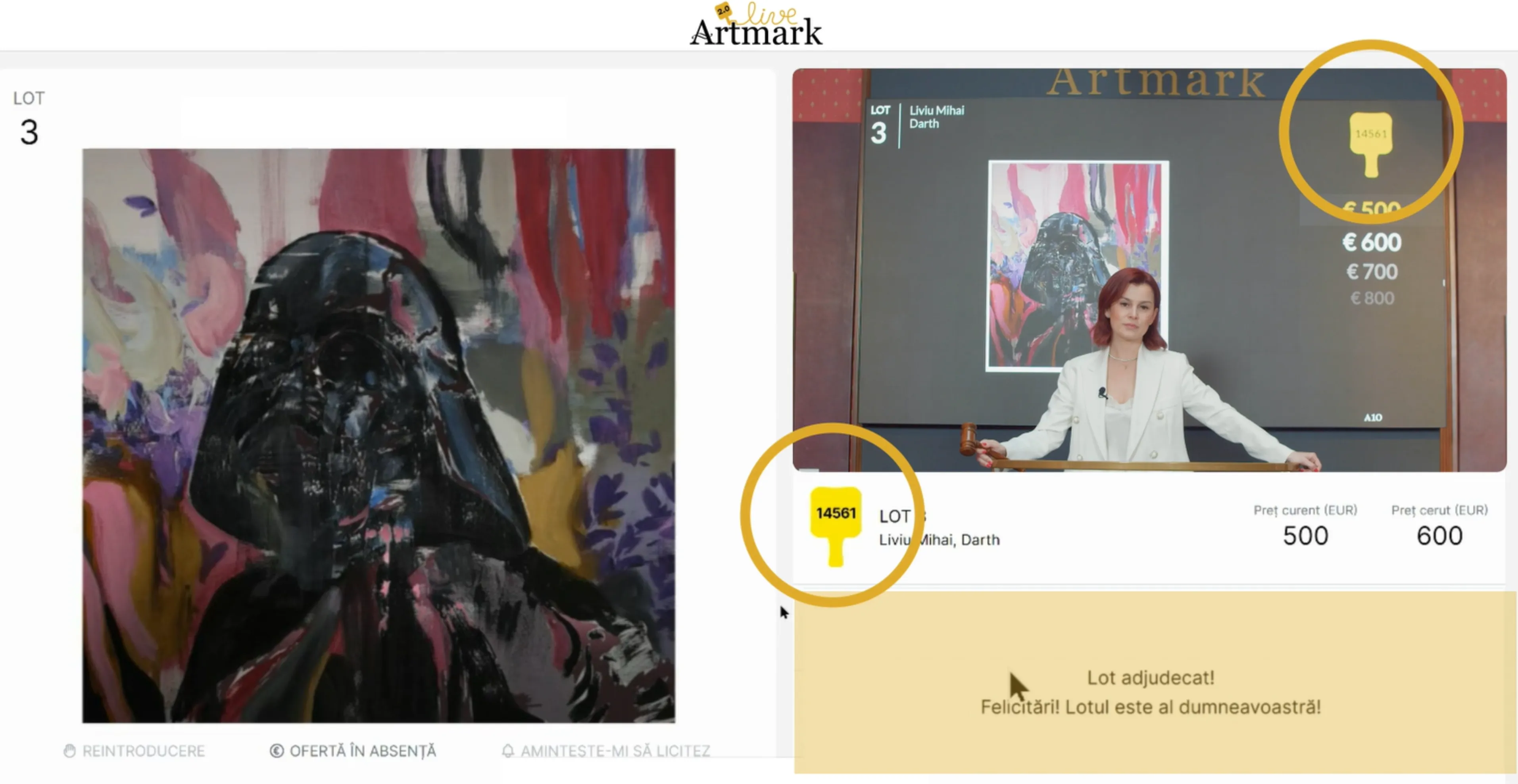
Smart bidding - Even if you can't see the entire auction room, but only the stage of the auctioneer, you'll know everything that happens with the help of live text option. Therefore, you can read the auction script in real time right under the "Bid" button, as well as in the notifications displayed on the screen.
Live text - Even if you can’t see the entire auction room, but only the stage of the auctioneer, you’ll know everything that happens with the option to transcribe the auction steps. Therefore, you can read the auction script in real time right under the main button.
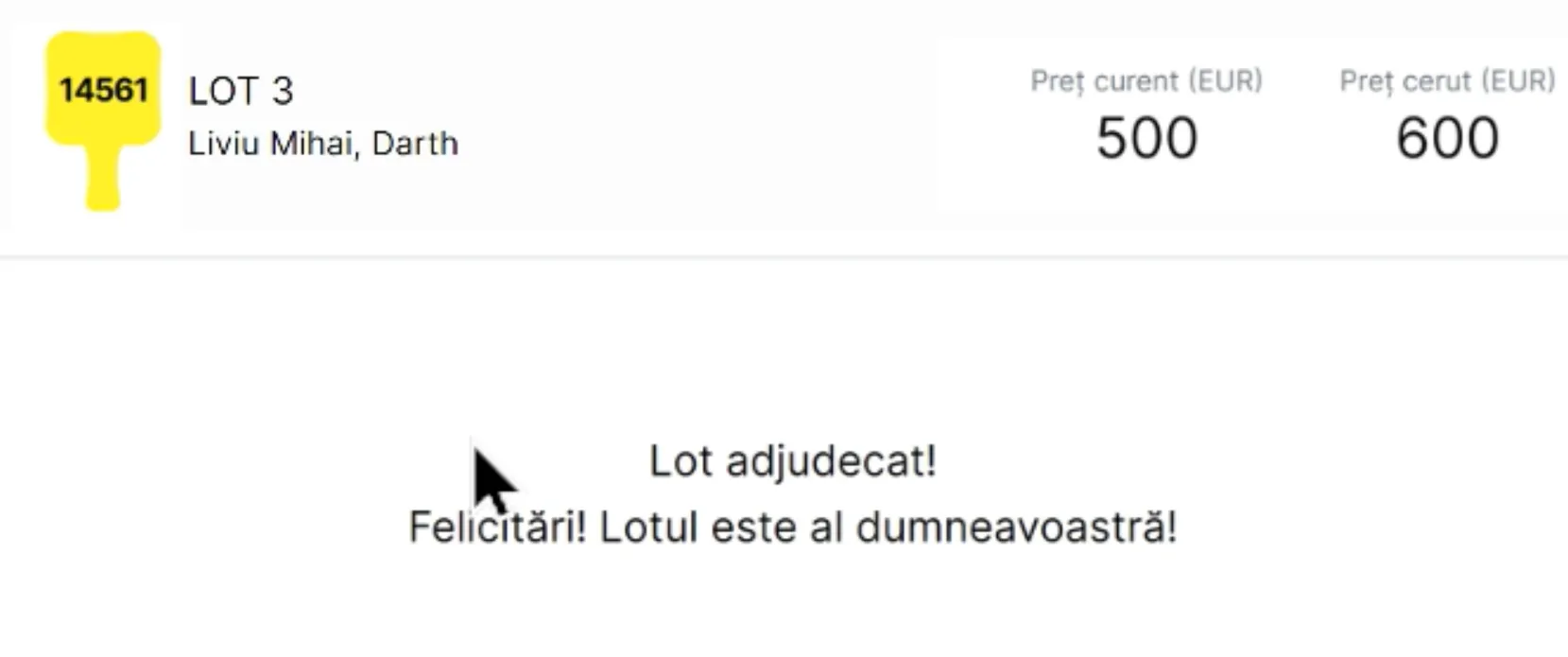
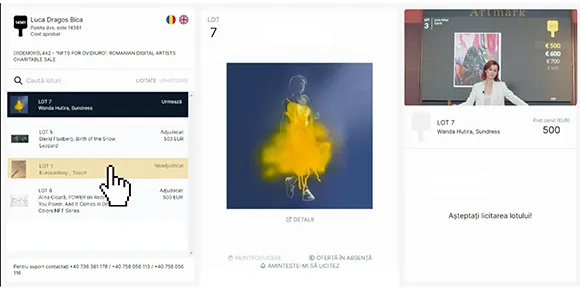
Browsing - The screen in Artmark Live 2.0 platform is split into 2 sections, and when you open the menu on the left of the page (by clicking on the 3-line symbol), the screen will be split into 3 sections.
Menu - Your name and paddle number are displayed in the menu, as well as the account status: approved/unapproved.

Menu - Also, in the menu, you can check the current and future awarded lots. You can even search for a lot by name or number.
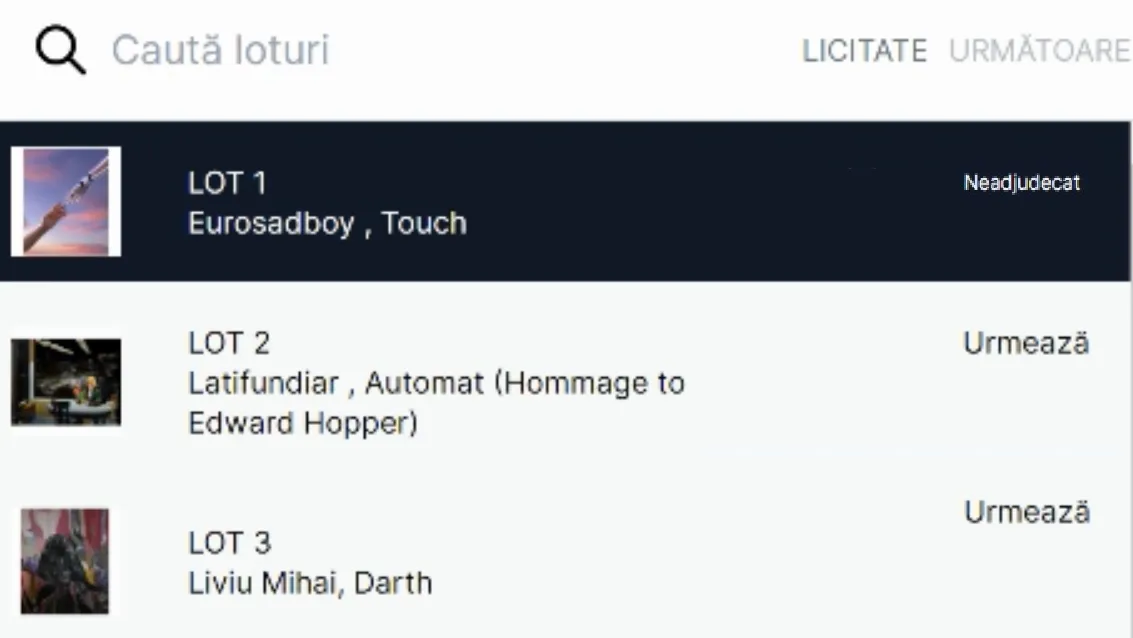
Sound - In the Artmark Live 2.0 platform you have the option to adjust the volume of the auction sound.
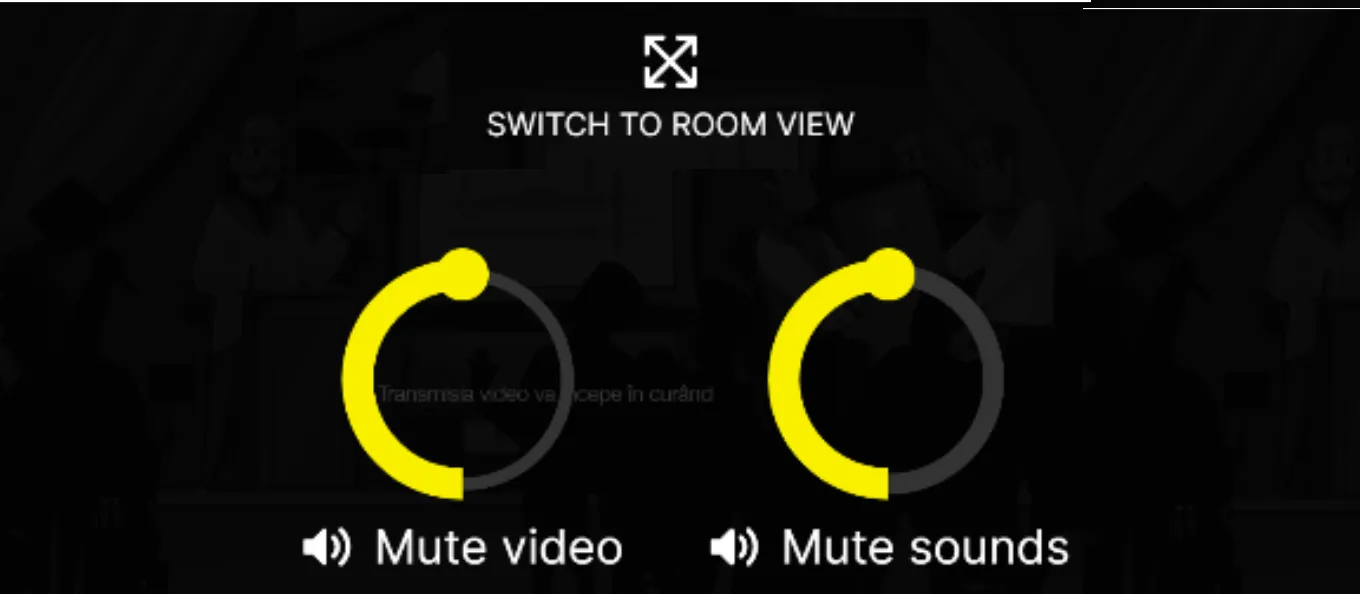
Video - As a participant, you have 2 ways to view the Artmark Live 2.0 platform: "Standard View" and "Room View". You can always switch between the 2 viewing/participation modes, by navigating with the mouse over the video transmission from the platform, in the right section.
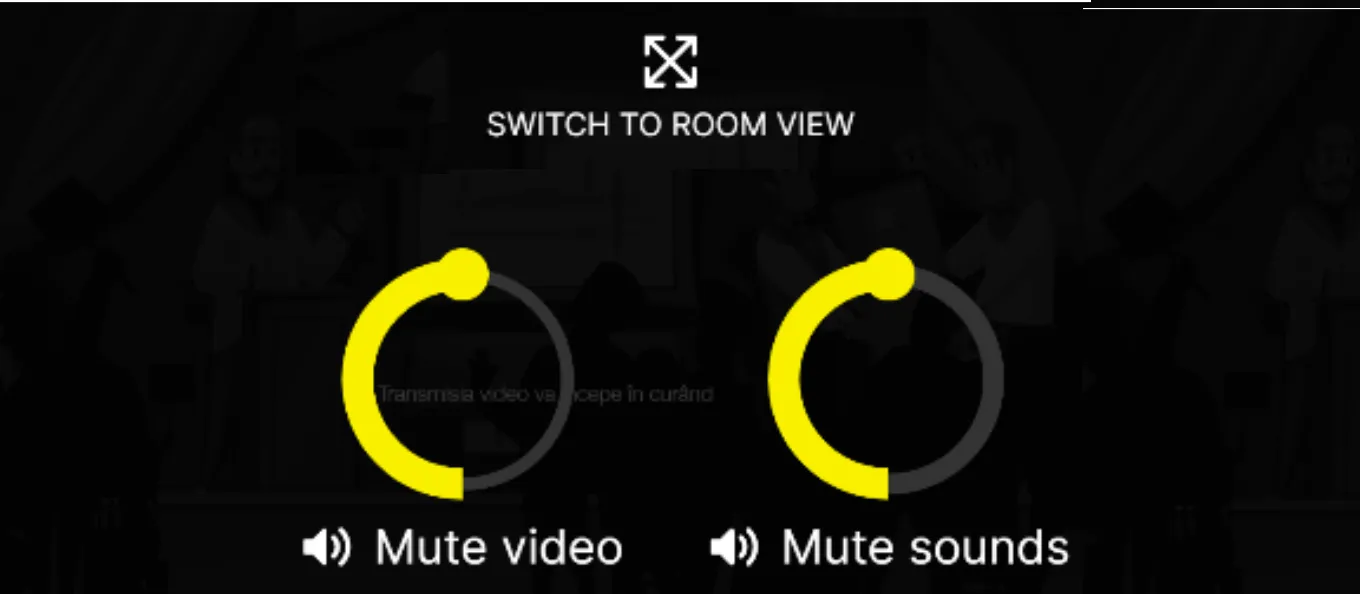
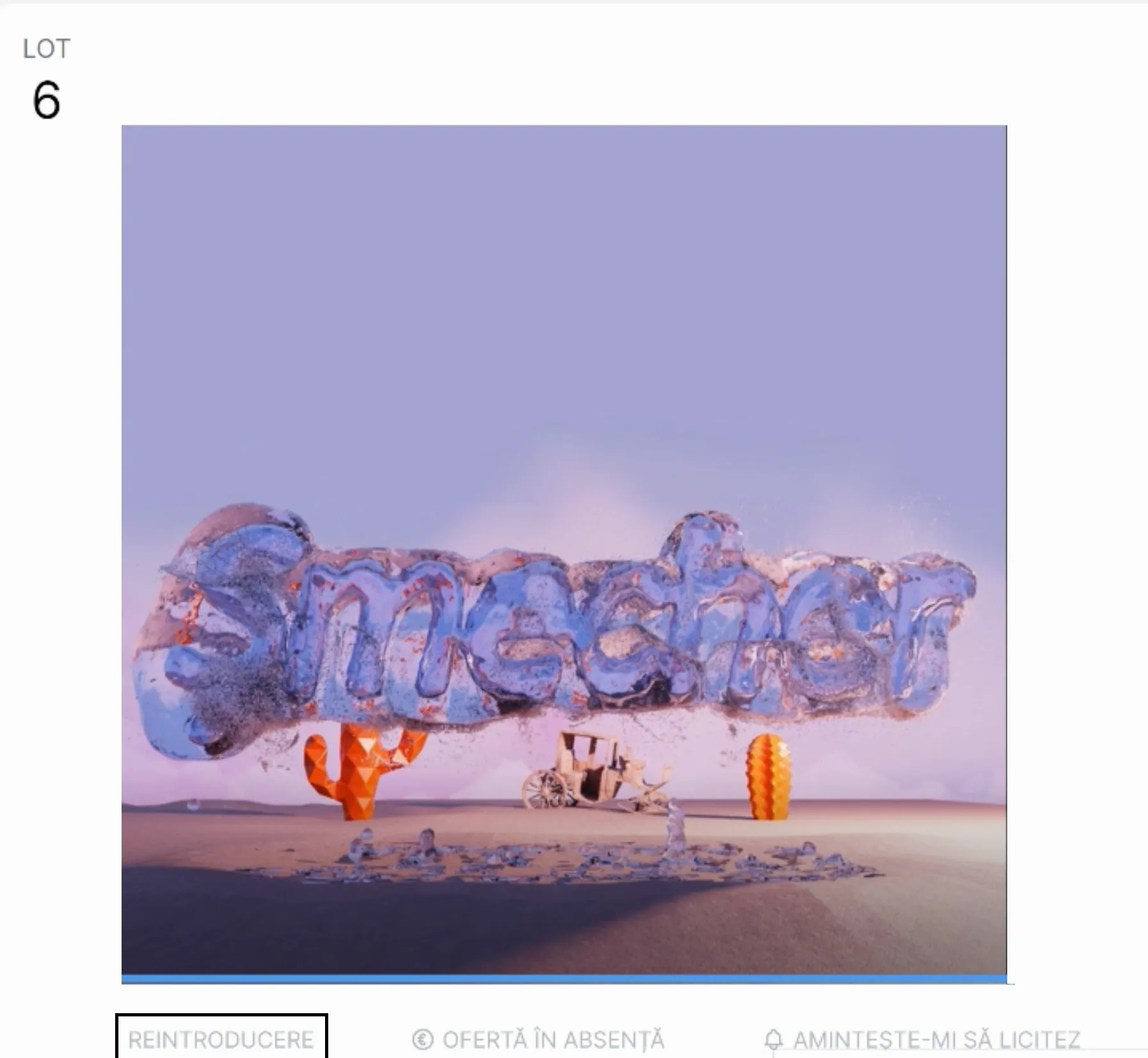
Recall - The button for recalling a lot is placed right below the picture of the unawarded lot.
Therefore, if you want to recall an unawarded lot, open the menu on the left, filter by pressing the “Unawarded” button, select the desired lot and press the ,,RECALL” button, below the picture of the lot in the middle screen.
After pressing the “RECALL” button, you will be asked for a confirmation of your action.
Invoicing - The day following the auction you will receive the invoice for the awarded lots, together with the payment details. For more information about invoicing and picking up the lots, please contact us via e-mail at: auctions@artmark.ro, or by phone: 0736 381 178.

And more good news soon
„Bid More” - an option that will allow participants to offer a higher amount than the following step in bidding for a lot.
“Remind me to bid” is an option designed to support those who do not have much time available to wait for bidding for the desired lot. The user will have the possibility to schedule a notification that will warn you just before the bidding for the respective lot begins.
"Absent Bid" allows you to place bids for future lots, positioned in the centre of the screen, below the lot picture. Compared to the old platform, you now have the possibility to bid from the Platform, without opening the page of each lot.
“My Account” Section
This section gives you access to the personal data, preferences, as well as to the history of actions you take.
Profile - here you can change your personal data or the password.
Favourites - here you have the possibility to consult your favourite lots that you have previously marked/saved with the sign „❤” or view your favourite artists that you follow.
My Bids - you will consult the lots for which you previously submitted bids.
Awarded Lots - in this section you will be able to see all the lots you have won so far. This section is updated within 48 hours from the closure of the last auction.
FAQ
-
Log in to your personal account, access from the right corner of the screen "My A10", and then from the menu that opens go to "Profile". In the newly opened page, you will be able to identify all your personal account information, including your password. Below the password field you will identify a special link for resetting/changing the password.
-
Your “My A10” account will be approved within 24 hours. Once you have followed the account creation steps, you'll be contacted by an Artmark representative to confirm your identity and validate your account.
-
If the picture/file is too large and you cannot upload it directly to the site, please send us the picture/file by e-mail at auctions@artmark.ro, and we will fill in this section in your account.
-
Yes, of course. If your account has been approved and you were able to place bids before you can, also do it on the new Artmark Live 2.0 platform.
-
Browse to the Log In Page and under the displayed form you will be able to find the link "Forgot your password?" and in the new displayed page enter the email address you used to create your A10 account. You will receive an email confirming your request and which will direct you to the page where you will be able to set your new password.
-
All bids submitted prior to the auction, online or in writing, will be valid on the new Artmark Live 2.0 platform.
-
Yes, you can change the device from which you participate in the auction, during the event, whenever you need.
-
Yes, the A10 by Artmark team will make the efforts to allow the participation of all those interested. However, we recommend you to insert your personal data and activate your account at least one day before the event to make sure that your account will be activated in time.
-
Bids submitted before the auction can be modified or cancelled, the latest one hour before the start of the auction, by accessing “My Account”, the “My Bids” section.
Nu ratați nicio expoziție sau licitație!
Abonați-vă la newsletter!
© 2026Artmark Galleries. All rights reserved.